

Identify Queued Jobs
When the cluster’s resources are fully utilized, any newly submitted jobs will be queued until capacity becomes available. Your Python client code will display messages like this:Detect OOM Failures
When a job fails due to an out of memory (OOM) error, your client logs will contain messages like: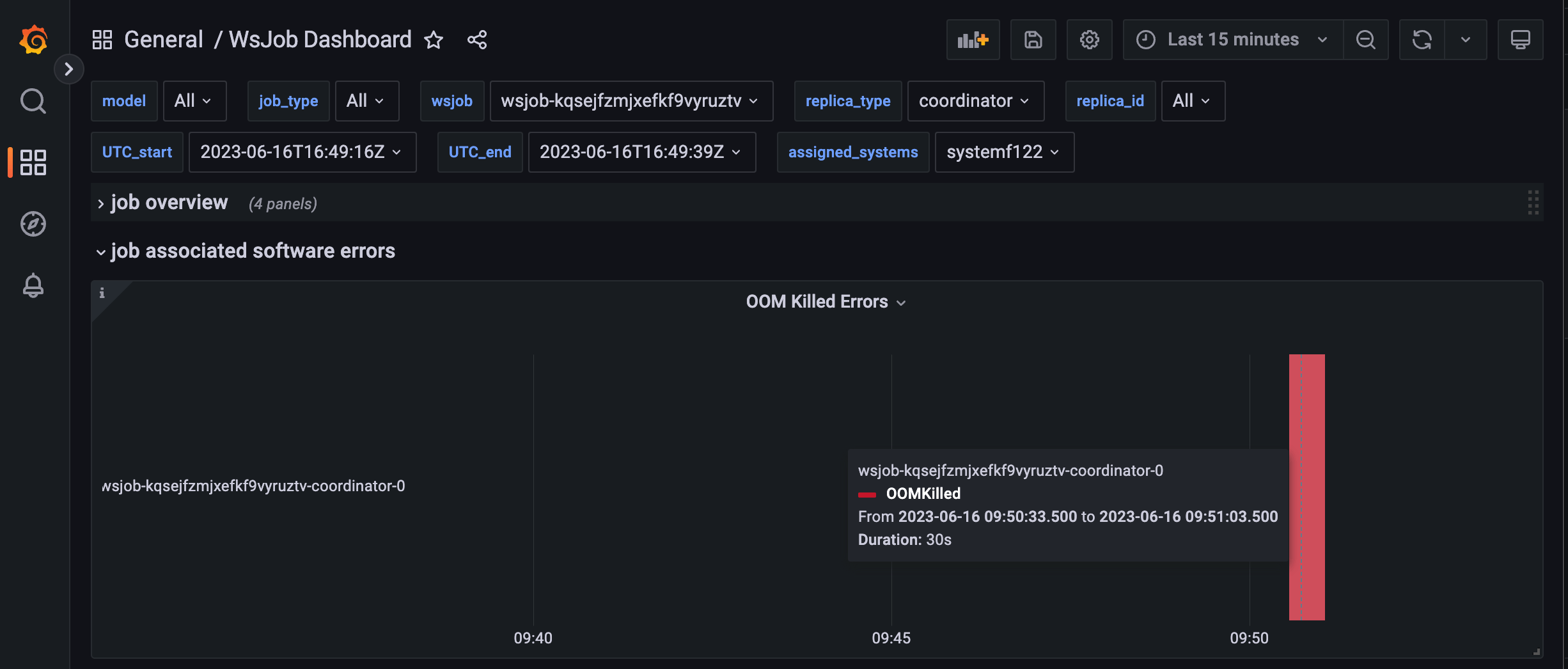
Fig. 15 OOM software error in the wsjob dashboard
Identifying Resource Capacity Failures
Jobs requesting resources beyond the cluster’s capacity will fail immediately with scheduling errors like:Troubleshooting OOM Errors
If your job fails with an OOM error, particularly in the coordinator component, you can increase the memory allocation in therunconfig section of your yaml configuration file:
Use unlimited memory settings with caution, as this can impact other users’ jobs running on the same node. A job without limits can potentially consume all available system memory.