- You must have installed the Cerebras Model Zoo (click here if you haven’t).
- You must be familiar with the Trainer and YAML format
- Please ensure you have read Checkpointing
- Please ensure you have read LLaMA3 8B pre-training
Fine-Tuning Using a Pre-trained Checkpoint
To perform fine-tuning, a checkpoint from a previous training run is required. These checkpoints can be generated from previous runs or downloaded from online databases. For more information on porting a checkpoint from HuggingFace see Port a Hugging Face model to Cerebras Model Zoo. In this tutorial you will assume a checkpoint has already been generated after finishing Pretraining with Upstream Validation. For simplicty, let’s assume the checkpoint saved after the final step has the path:Configure Checkpoint State Loading
To enable fine-tuning, you want to only load the model state from the checkpoint. Other checkpoint states such as the optimizer state or the training step should be reset.Load From a Checkpoint#
You now need to configure the trainer to load a checkpoint from a given path.Putting It All Together
After the above adjustments, you should have a configuration that looks like this.Start Fine-Tuning#
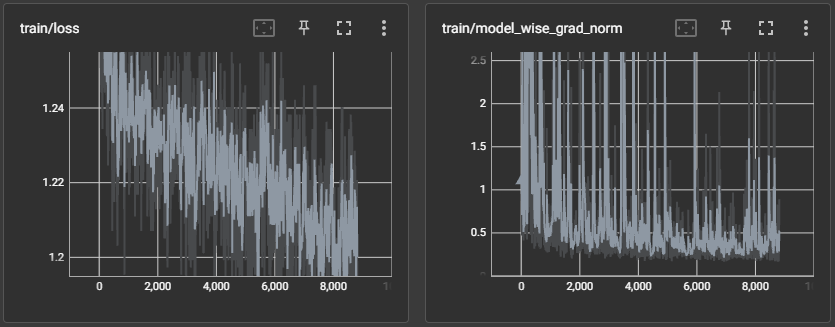
Now that you have a fully configured Trainer, all there is to do now is to kick off the run and start fine-tuning.Monitoring the Run#
Once compilation finishes and the Wafer-Scale Cluster is programmed for execution, you should start seeing progress logs that look likeNoteThe performance numbers that you get will vary depending on how many Cerebras systems you are using and which generation systems you are using.